Boot Camp
Viewers enlist and line up on a 3D training yard. You give the orders: push-ups, salute, jumping jacks. Gifts promote soldiers from corporal to major.
Free while in beta
Live games for your TikTok LIVE. Viewers join by typing in chat, likes and gifts change the game, and you add it to your stream with one link.
Sign in with Google. No card needed.
The setup happens on a computer, in TikTok LIVE Studio or OBS.
A real game, running in your browser right now.
Switch games while you are live. Your LIVE Studio source stays the same.
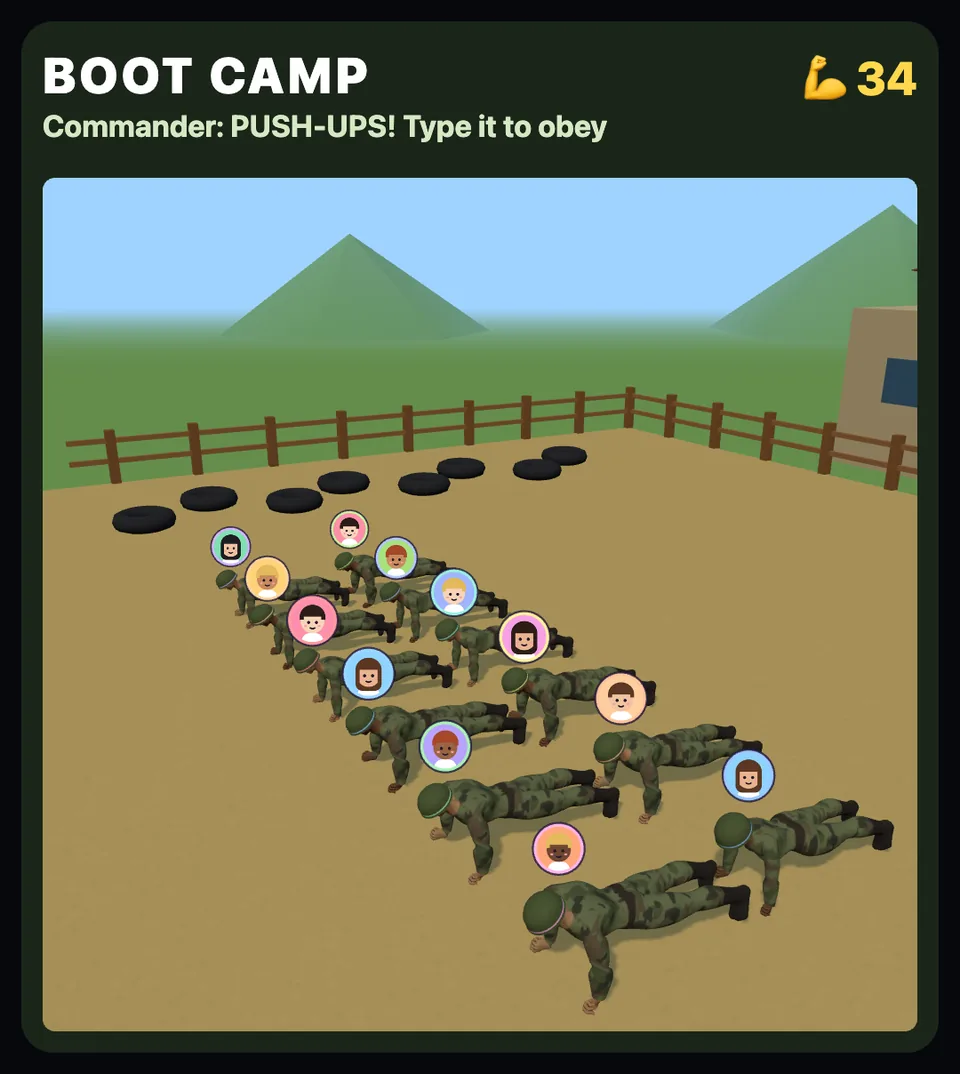
Viewers enlist and line up on a 3D training yard. You give the orders: push-ups, salute, jumping jacks. Gifts promote soldiers from corporal to major.
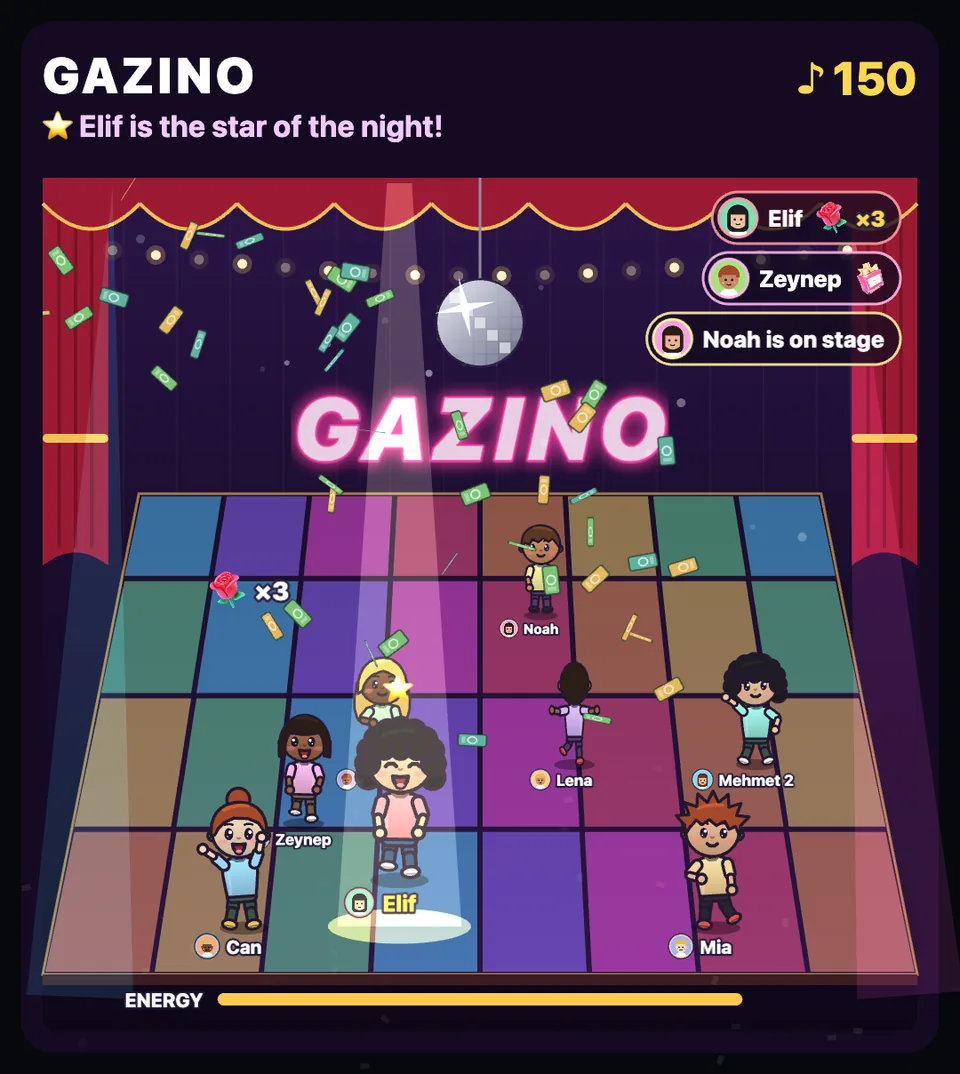
A dance hall. Viewers step on stage and dance to their own commands; the newest gifter takes the spotlight while money rains down.
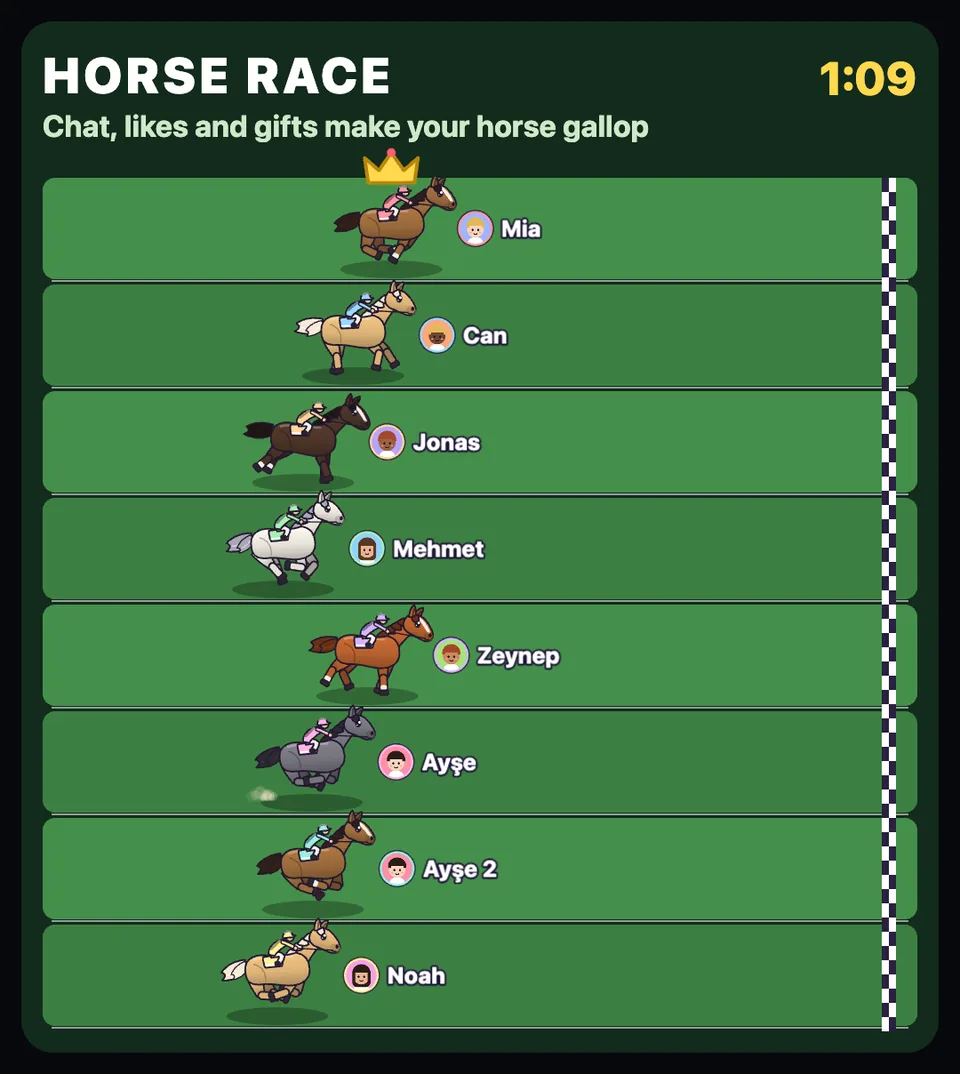
Every viewer rides a horse in their own colors. Chat and likes push it forward, gifts fire a boost. First over the line wins the round.
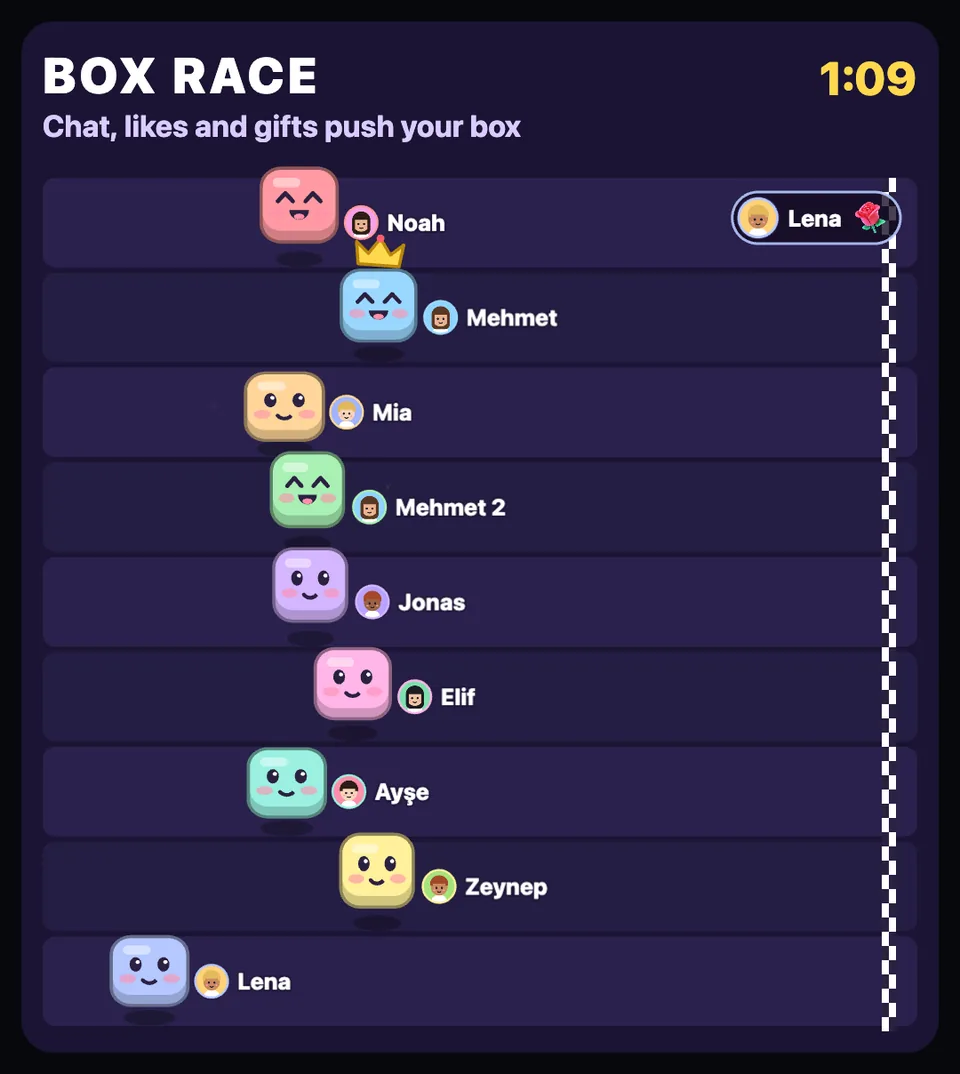
Cheerful boxes hop to the finish line. Short rounds that anyone gets in a second.
No download. Everything runs in TikTok LIVE Studio or OBS, which you already use.
With your Google account. Then write your TikTok name and pick a game.
One overlay link for your account. It never changes.
In LIVE Studio choose Link, in OBS a Browser source. Test it before you go live.
Every game and every setting, no card needed. Tell us what to build next.
Start for freeYes, for the setup. TikTok shows overlays only from LIVE Studio (Windows and Mac) or OBS. Your viewers watch and play on any phone.
Popzy only reads the public side of your LIVE: comments, likes and gifts, the way any viewer sees them. It never signs in to your TikTok account and never posts anything.
TikTok decides. In most regions you need to be 18 or older and have about 1,000 followers.
They reach you through TikTok as usual. The games only react to them.
Nothing while we are in beta. If paid plans come later, you will hear it from us first.
English and Turkish, and you choose per stream.